
Did you know you can show SharePoint in an iFrame or a popup to let users browse libraries and pick files? Microsoft offers two controls:
- File Picker (/_layouts/15/FilePicker.aspx)
- File Browser (/_layouts/15/FileBrowser.aspx)
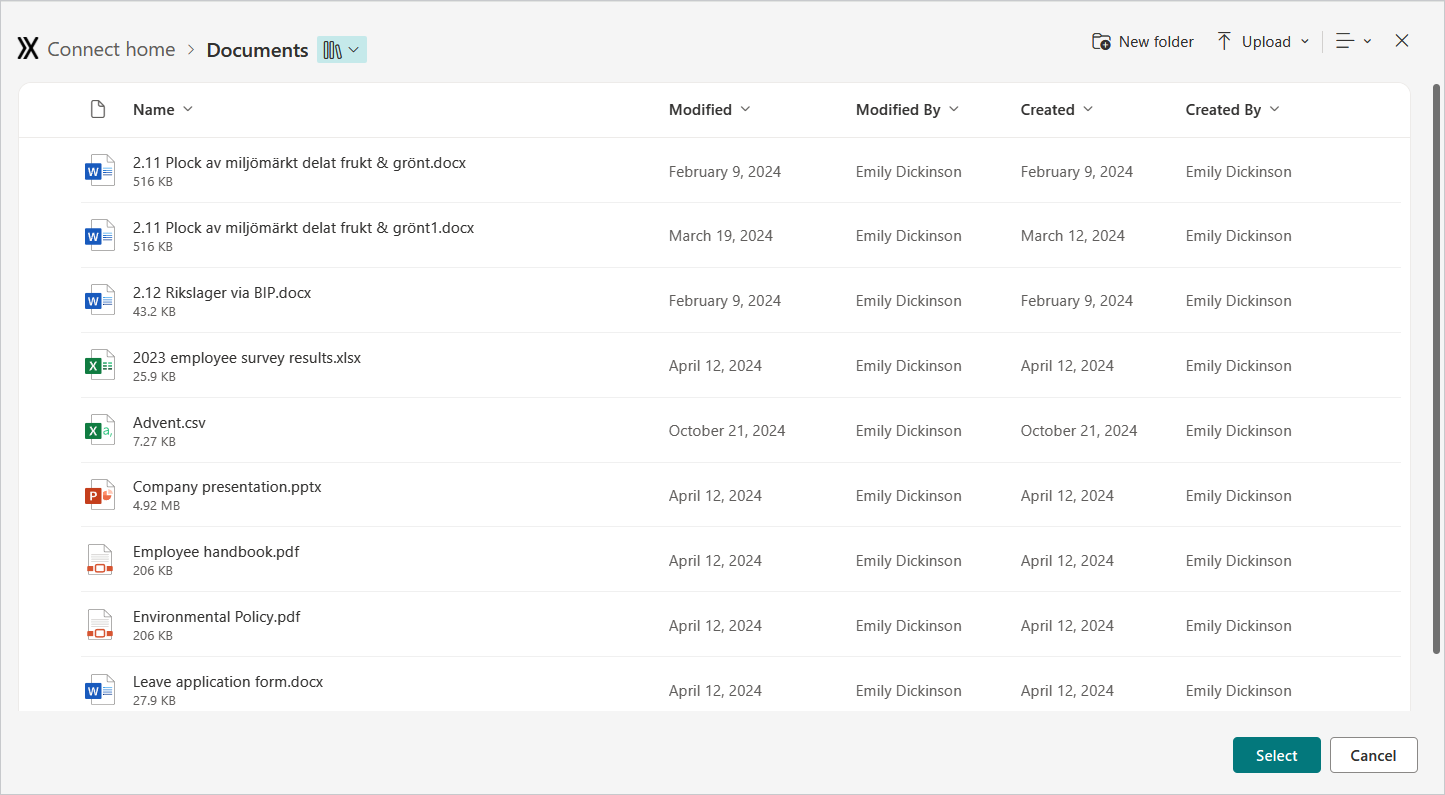
You can embed these aspx pages in an iFrame from SharePoint pages and other places within the Microsoft 365 universe, e.g. Dynamics 365.
Notes of interest:
- These are official offerings from Microsoft. You get the same look and feel as the real thing
- You can interact with the controls and for example react to the user picking a file
- You only see the controls – the SharePoint/M365 UI is hidden
- You can configure the controls to your needs and e.g. hide buttons you don’t want, or disallow users to browse outside of specific folders
- They always run in the user context
- You can’t use these outside of M365 due to security restrictions
I have not yet used these myself, but I think they open up interesting opportunities when designing future solutions!
